Accept your Billing invitation
Your agency invites you to its own wallet and invoices, not platform administration.
- Open the agency invitation sent to your email. Set a password for a new account or accept the invitation using your existing account.
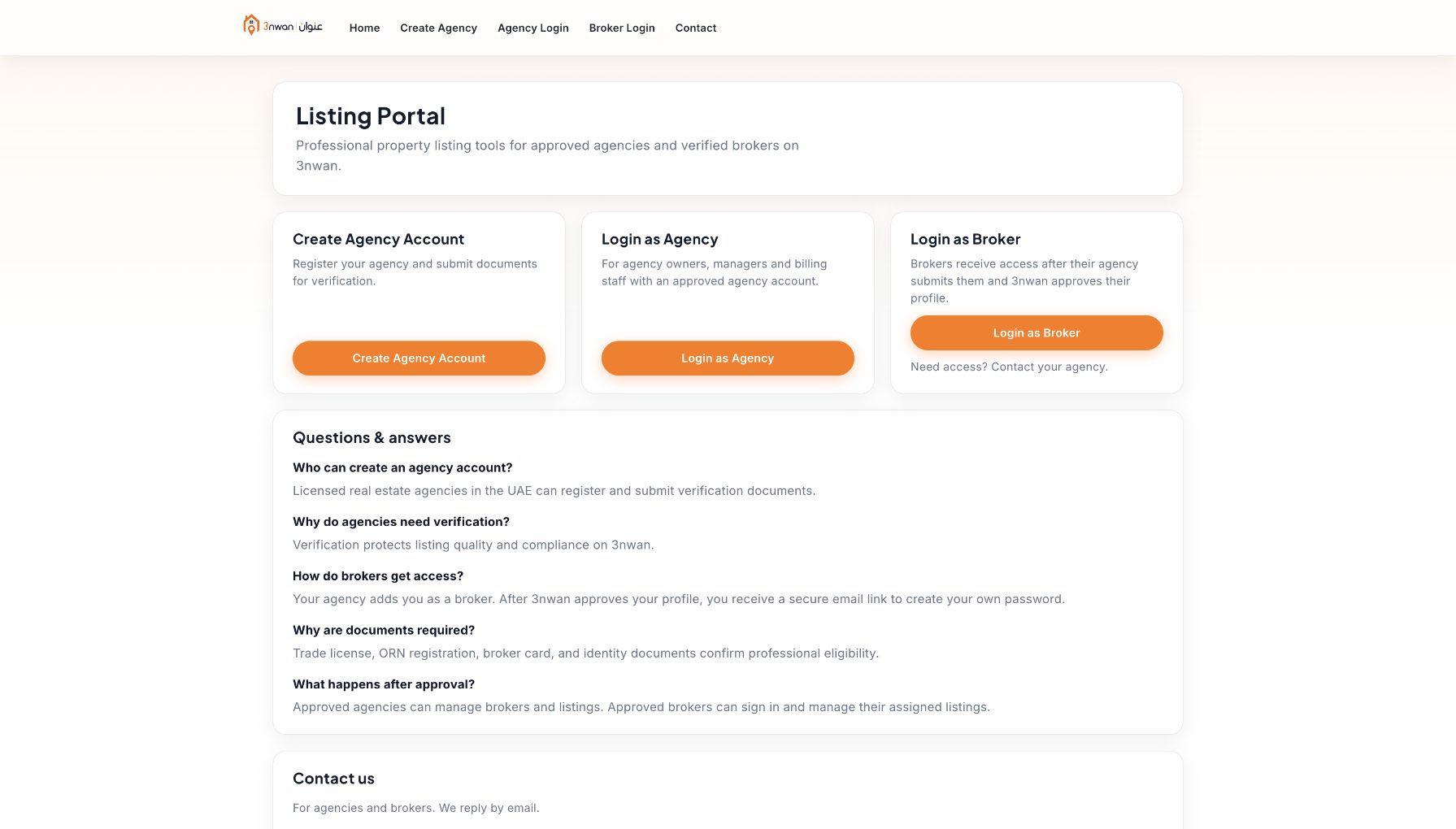
- Sign in through the Listing Portal and complete the professional terms when prompted. Verify the agency name before handling its finances.
- If the link expires, ask the agency to resend it and use the latest email rather than creating another agency account.
The invitation must be accepted before agency access is granted. Do not share another team member’s login.